


I talked with a VP of Engineering at a growing company. They realized their AI assistant was just a fancy search bar. It also had a serious lag problem. They weren’t building an agent. Instead, they were building a faster way to wait. Their users were stuck in a loop of typing, waiting, and correcting. This is the exact opposite of what an autonomous system should provide.
Jensen Huang, the NVIDIA CEO who has redefined the stack for the autonomous age, described the shift in a way that every product leader needs to internalize. Speaking at CES in January 2025, he predicted that the IT department of every company is:
“...going to be the HR department of AI agents in the future.”
Jensen Huang — CES keynote, January 2025
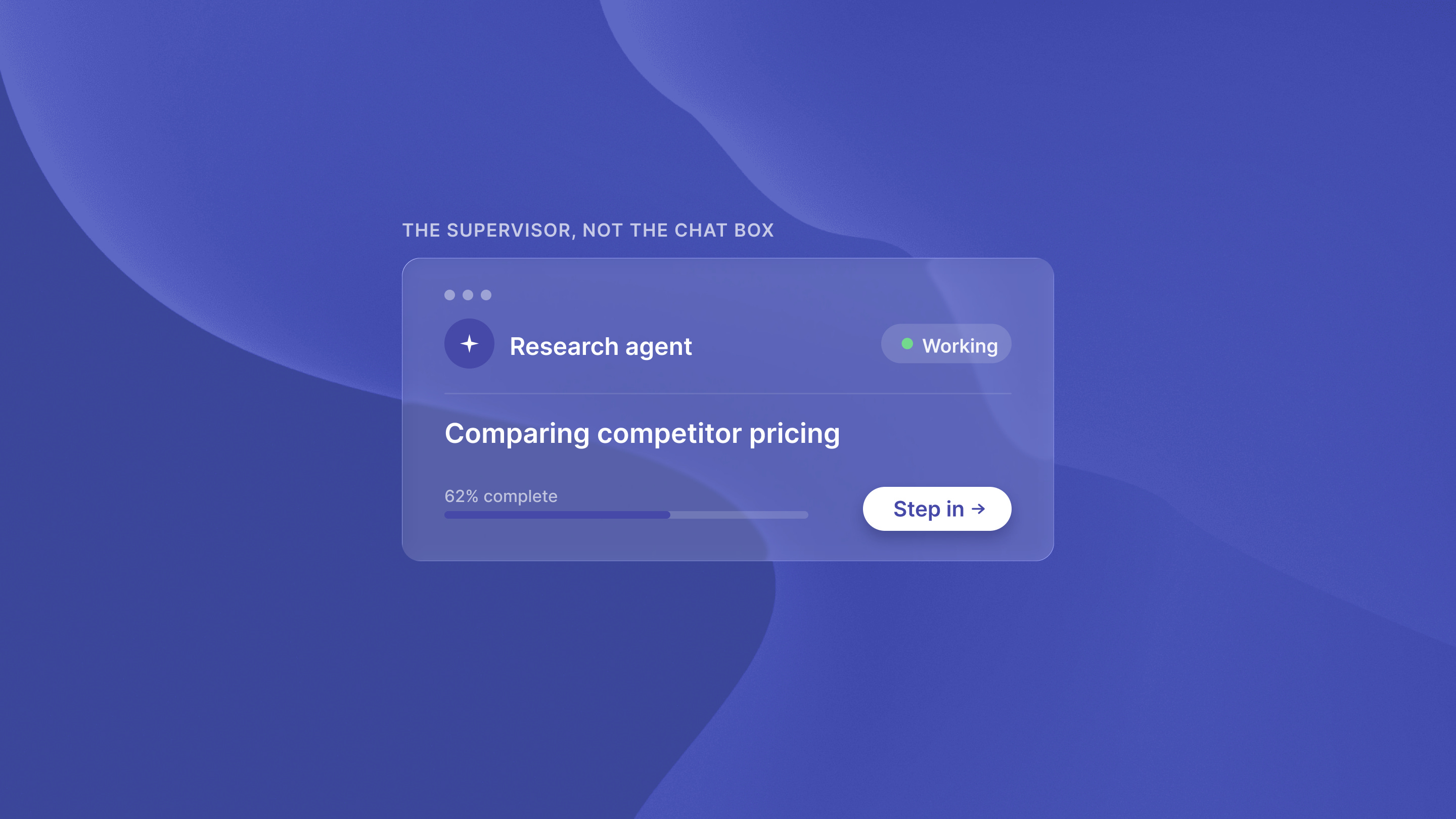
He went on to describe IT teams onboarding agents, teaching company terms and culture, and keeping them on track. This is a manager’s work, not a user’s work. That is the interface requirement in one sentence. You do not give a manager a text box. You give them visibility into what their reports are doing, and the authority to intervene when something looks wrong.
What we are seeing in agentic UX
The architectural trap many founders fall into is applying legacy SaaS UX to autonomous agents. In a traditional SaaS environment, the user is the operator of every task. In an agentic environment, the user is the supervisor. This requires moving from granular tasking to high-level intent steering. We see that production-ready agents need a different design language. They move away from 2010-era software architecture toward task-specialized systems.
Key results:
Reduction in user active-time through asynchronous monitoring patterns
Increased trust via transparent reasoning logs and intervention points
Higher system ROI by moving from chat-based prompts to intent-based steering
Improved scalability of the orchestration layer for long-running tasks
The death of the chat box: why agentic user experience is different
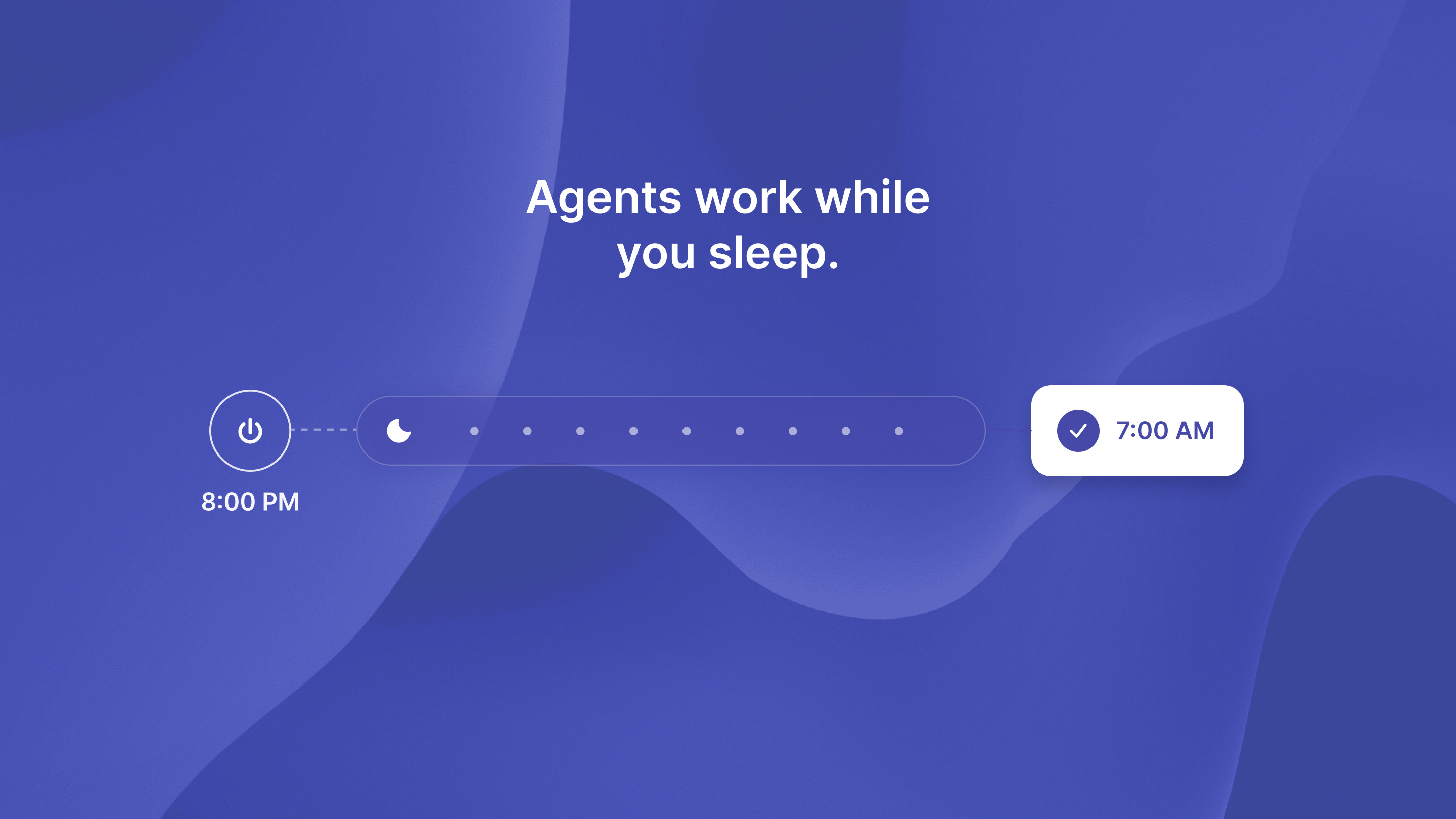
Chat interfaces are great for exploration, but they are terrible for long-running autonomous tasks. A chat box forces the user to stay present for every step of the process. If an agent is doing three hours of research, the user shouldn’t be staring at a blinking cursor. This matters, since only 16% of enterprise AI agents are truly autonomous. The rest are just assistants.
From granular instructions to high-level intent
Designing for autonomy means the user should define the goal, not the steps. Instead of a text field where you type “Find me five leads and draft emails,” the interface should allow for steering. The user provides the intent, and the system shows the proposed plan. This transition to agentic AI autonomy is what allows systems to finish work without constant human intervention.
The shift to asynchronous supervision
Agentic UX is fundamentally asynchronous. The interface should show what the agent is doing in the background. It should not overwhelm the user with logs. This is about building trust through transparency. You need a “steering wheel.” This allows for intervention points without breaking the autonomous loop. Even in automated flows, human intervention remains critical for high-stakes performance and final judgment.
Evolving the double diamond for interface design for AI
Traditional design processes focus on the user’s path through a screen. Agentic design focuses on the agent’s path through a workflow. We must evolve the traditional Double Diamond process specifically for autonomous system interactions:
Discovery now involves mapping the agent’s access to internal API layers and data sources
Definition focuses on the constraints and “guardrails” the agent must follow
Development requires building the AI agent orchestration layer that manages long-running background tasks
Delivery is no longer a static screen, but a live supervision dashboard
Practical patterns for UX design for AI agents
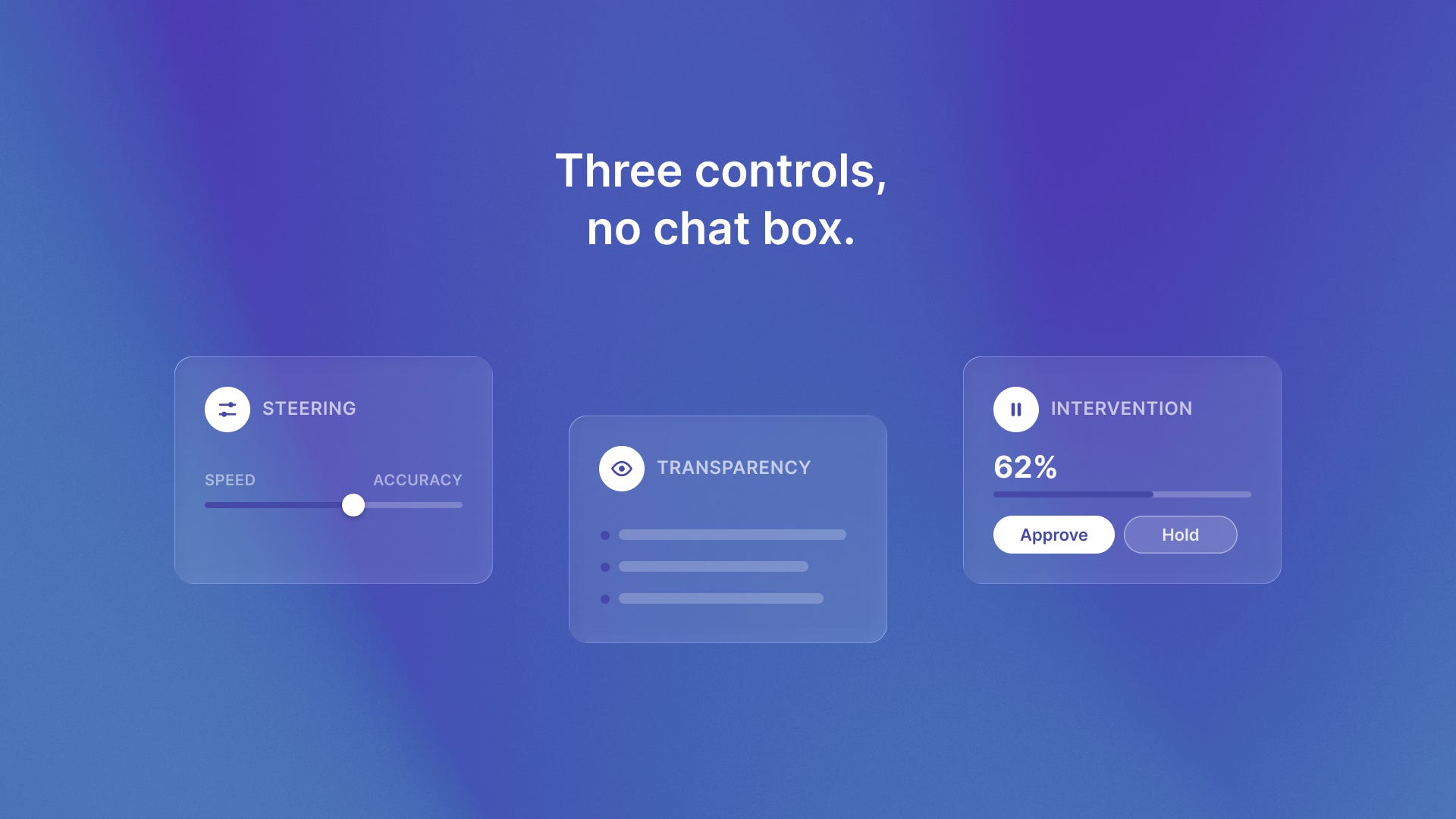
To build a production-grade agent, you need to implement specific patterns for control and transparency. Users need to feel in control even when they aren’t performing the task themselves. Effective agent interfaces need special UX patterns for autonomous behavior.
These patterns help the system use multi-step reasoning, not simple replies.
The Steering Wheel: Provide high-level toggles for the agent’s behavior. Should it be aggressive or conservative? Should it prioritize speed or accuracy?
Transparency Logs: Show a simplified view of the agent’s reasoning process. If it makes a decision, the user should be able to see why.
Intervention Points: Create clear moments where the agent pauses for human approval. This is vital for high-stakes actions like sending a payment or publishing content.
Lessons from the field
We have seen these patterns in action with systems dedicated to autonomous QA for lean teams. When you are automating software testing with QA flow, you can’t just have a chat box. You need a dashboard that shows which tests are running and which failed. It should also show why the agent thinks they failed. Similarly, advanced retrieval systems use intent-based steering to manage historical data. They do not require users to know the exact file location. This helps solve common agency time tracking and data retrieval issues with tools like Timecapsule.
The bottom line
Here is the reality: if your AI strategy is still focused on making a better chatbot, you are missing the point. The future is in intent-based supervision. Production-ready agents require an interface that builds trust through transparency. I invite you to audit your current AI architecture to see if you are building assistants or true agents.
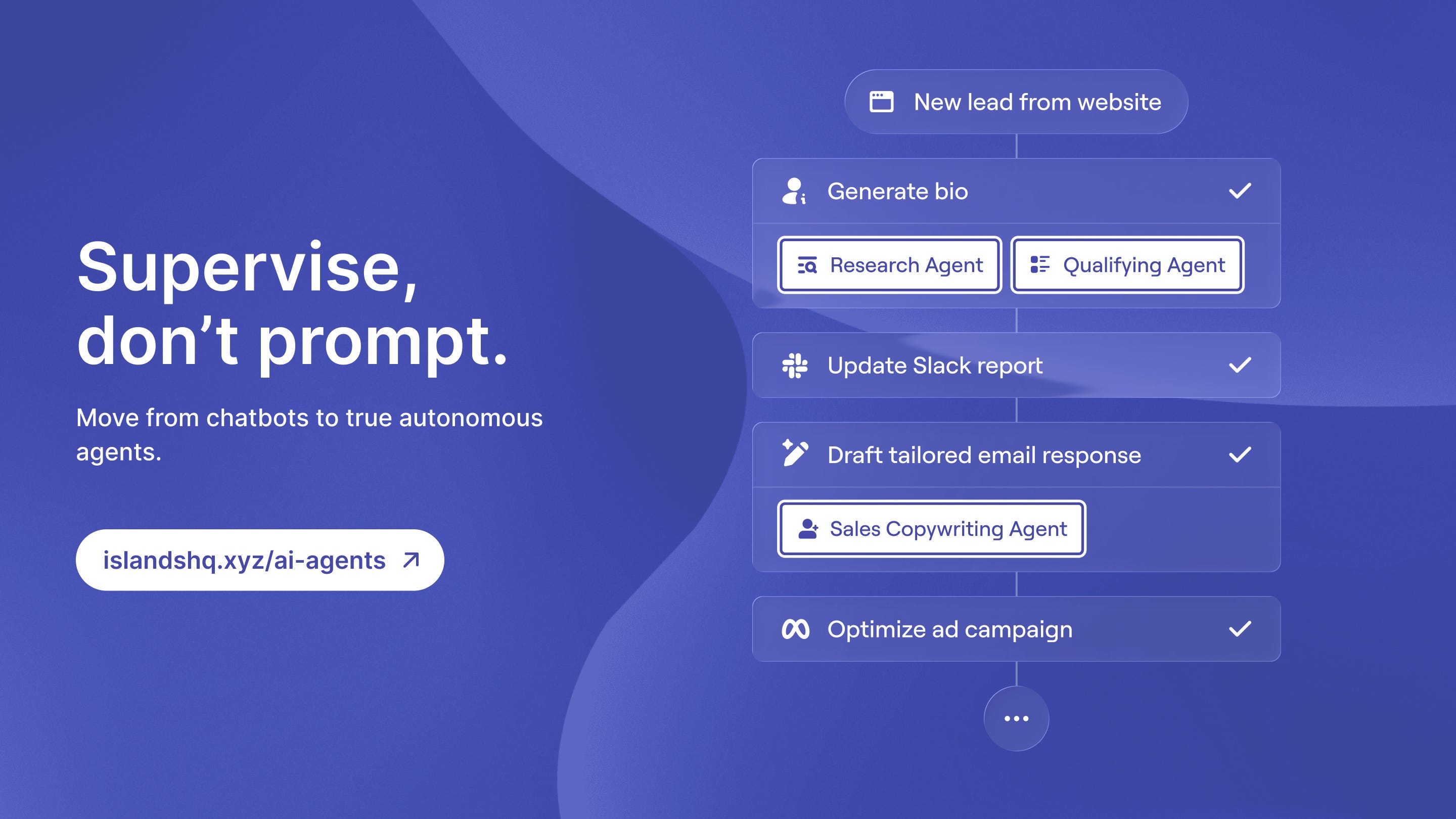
Ready to transform your product with custom autonomous systems? Book a call with Islands today.
The hardest part of agentic UX is showing the user what the agent decided not to do — trust lives in the omissions.